
Looking for a good alternative to Typeform? Here, we'll weigh the differences between Typeform and Whirr so you can make an informed decision. We'll compare features, pricing, customer support, UX, and more.
Try Whirr — it's free
Whirr is built for anyone — regardless of experience — to build well-designed and user-friendly customer experiences like forms, surveys, onboarding flows and more.
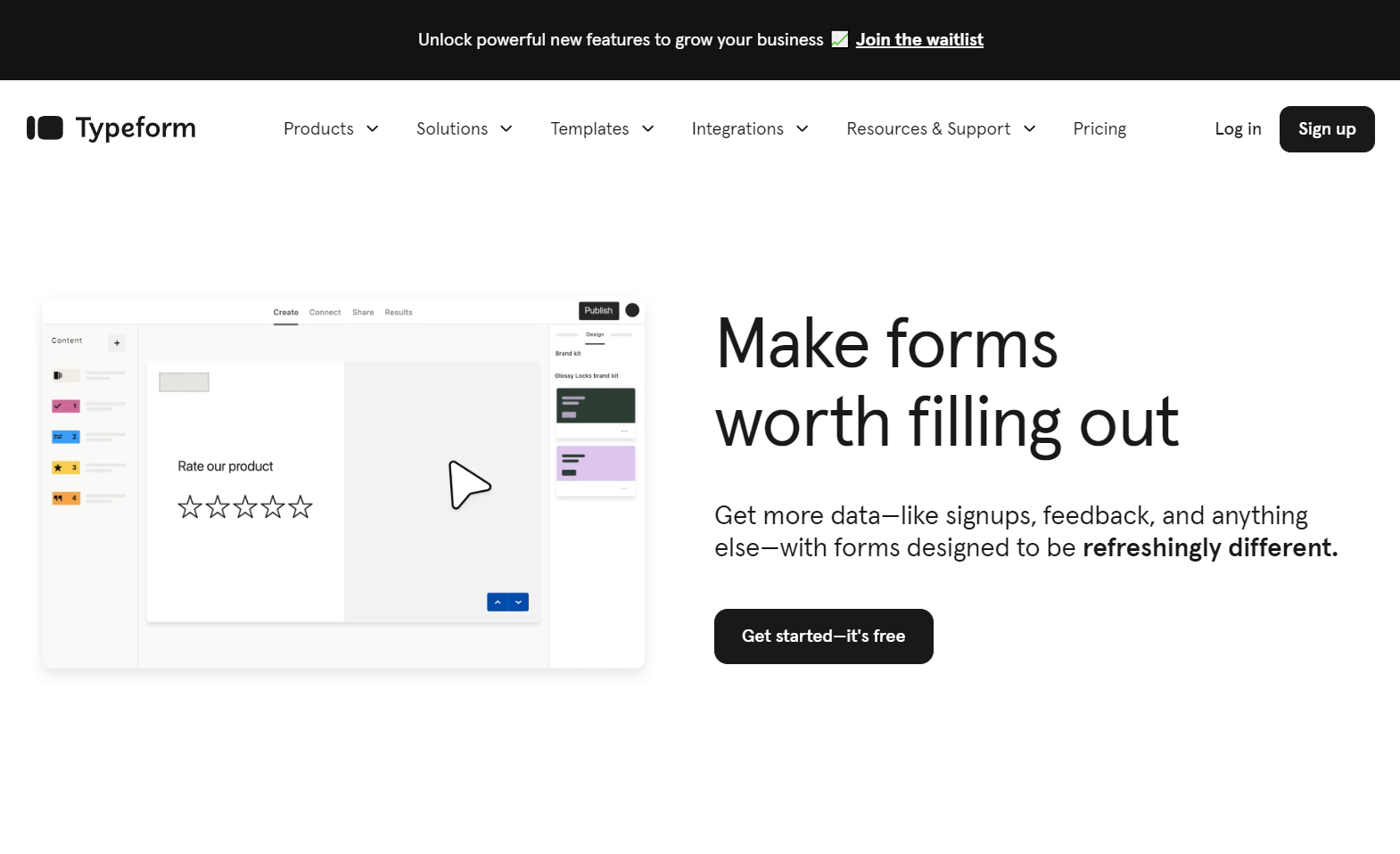
Typeform is a strictly one question at a time form builder, with a minimal and modern design.
With a generous free plan, and an affordable paid plan Whirr is a good option whether you're just looking to give it a try, get a few leads or responses, or run your business with it.
Formstack doesn’t have a free plan, but they do have a limited 14 day trial to try out their platform. Once your trial is over, you won't be able to access the forms you made or even your submissions without paying to upgrade. Your forms also won't be live anymore so your users won't be able to view them.
As you can see in the comparison table above, Whirr offers higher usage limits at a more affordable price compared to the Typeform Business plan. Saving you $804 in just a year. That's over 160 cups of coffee from your favorite coffee shop. That's more than 5 months of coffee every day — including a tip. If you're more of a a foodie like me, that's more than 50 meals.
User experience and design are often overlooked when comparing form builders, but you and your users won't overlook it.
Your users expect the same level of quality with forms, surveys, and onboarding as they do everywhere else. A form that isn't user-friendly, is unappealing, or doesn't match your brand can lead to a decrease in trust, submissions, and even lost revenue. Let's compare the design of both Typeform and Whirr.

Whirr has a straightforward design that anyone can use. In Whirr it's easy to add new fields, content, and views in a Notion-like doc-style editor. This means that all you need to do is simply type to add new content. Whirr's simple UX makes it easy to adopt, without getting overwhelmed with options. Then when you're ready to further customize your project there are settings available in dedicated menus. Simply, when you need something it's there; when you don't, it's tucked away neatly.
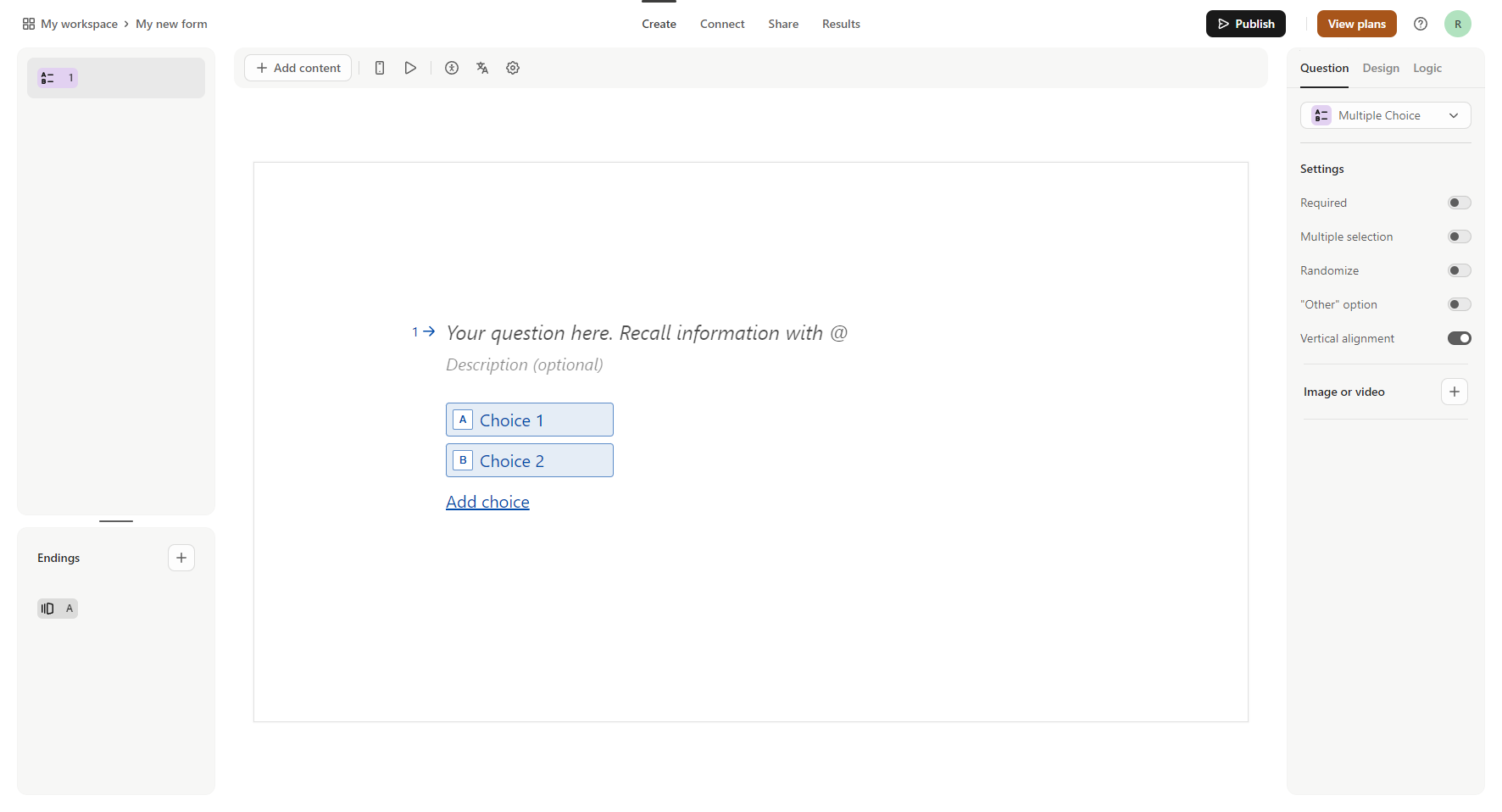
Typeform's single-step editor is robust. Rather than a single view, Typeform separates all of your questions across multiple screens. This can be helpful if you want a more conversational style form, but makes it harder to navigate. This format could also contribute to increased form completion time, resulting in a lower overall completion rate.
Another important metric that most comparisons overlook is how fast and easy it is to build what you need. Most people don’t want to sign up for or pay for an app that’s going to take more time out of their day.
To put each to the test we created a simple contact form in both Whirr and Typeform. We sped up the recordings 2x for both, too.

To create and publish a contact form from scratch it took us 23 seconds in Whirr.
.webp)
To do the same in Formstack it took us 1 minute. That's 2.6x longer by comparison.
This time adds up, especially when you start customizing your project or building larger experiences.
All in all, both Formstack and Whirr are great options for anyone looking to build online forms.
Use Whirr for as long as you like. Pay and add your team later.
